Merubah Logo dan Background Login Wordpress.org
Seperti tertulis pada judul, berikut akan saya jelaskan cara merubah logo dan background pada halaman login wordpress.org

Creating your own custom wordpress login page is a lot easier than you may think. First you will need to open the functions.php file for the theme you are going to be using.
This should be located at
~/public_html/wp-content/themes/yourtheme/functions.php
~/public_html/wp-content/themes/yourtheme/functions.php
Replace yourtheme with the theme you will be using.
Example Preview
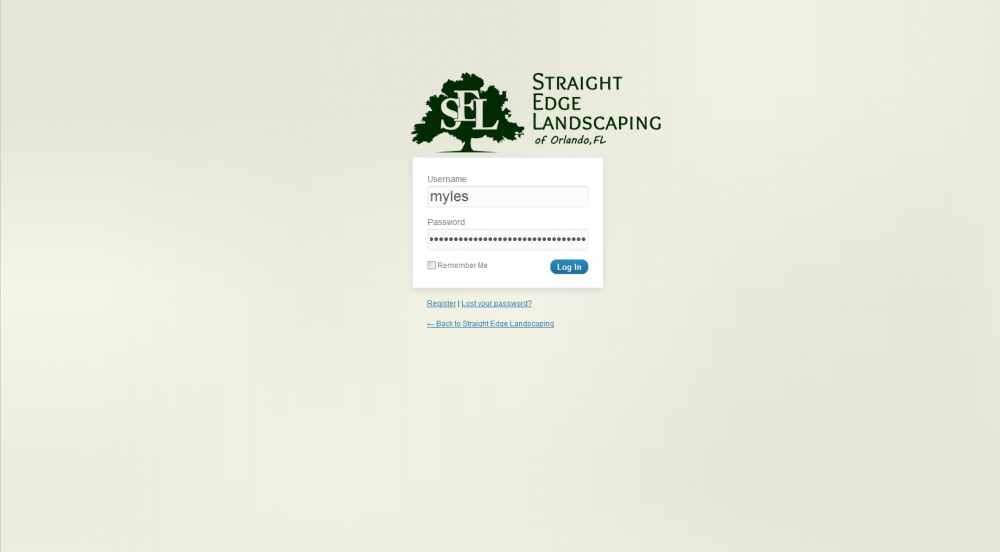
You will need to add the following lines of code to the bottom of your functions.php file:
Full Code
Breakdown
Hook the Function
First we will use add_action (WordPress Codex) to create the hook for login_head to our function we named login_mod.
Code the Function and CSS
Next we will create the function we use to change the background and logo along with adding in our own custom CSS.
Filter in the New Link
Finally we will use add_filter (WordPress Codex) to change the link used for the image.
TIP: Make sure you don’t accidentally put this code at the VERY bottom of the page because it still need to be included inside the standard PHP tags. This means the very last characters in the functions file should be ?> which is the closing tag for a PHP script. This must be at the very bottom or you will have problems.

Comments
Post a Comment